Visual Language
The visual language for our brand consists of our striking patterns. They are created using an underlying grid, which is designed with flexibility and creativity in mind.

Our grid
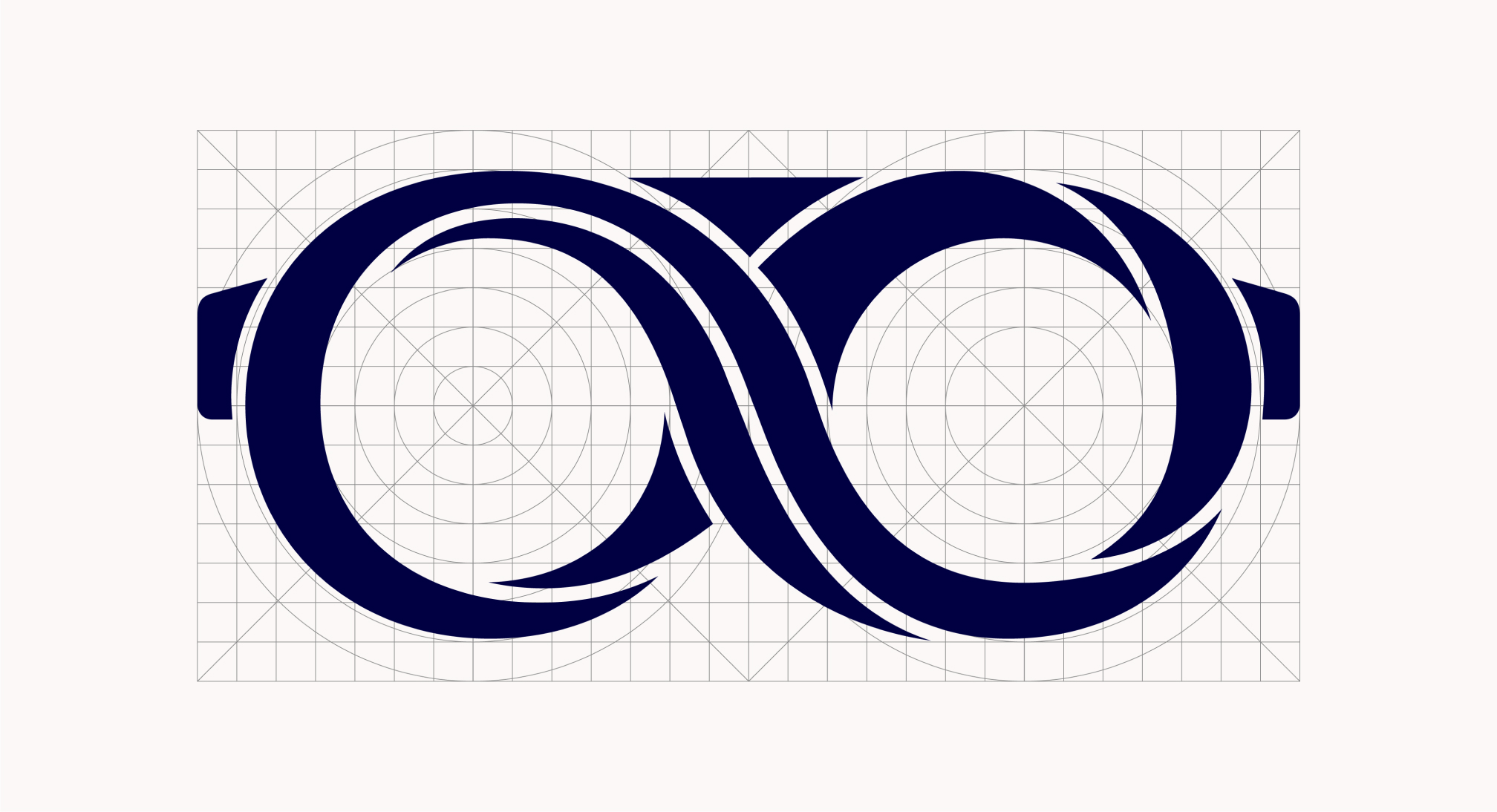
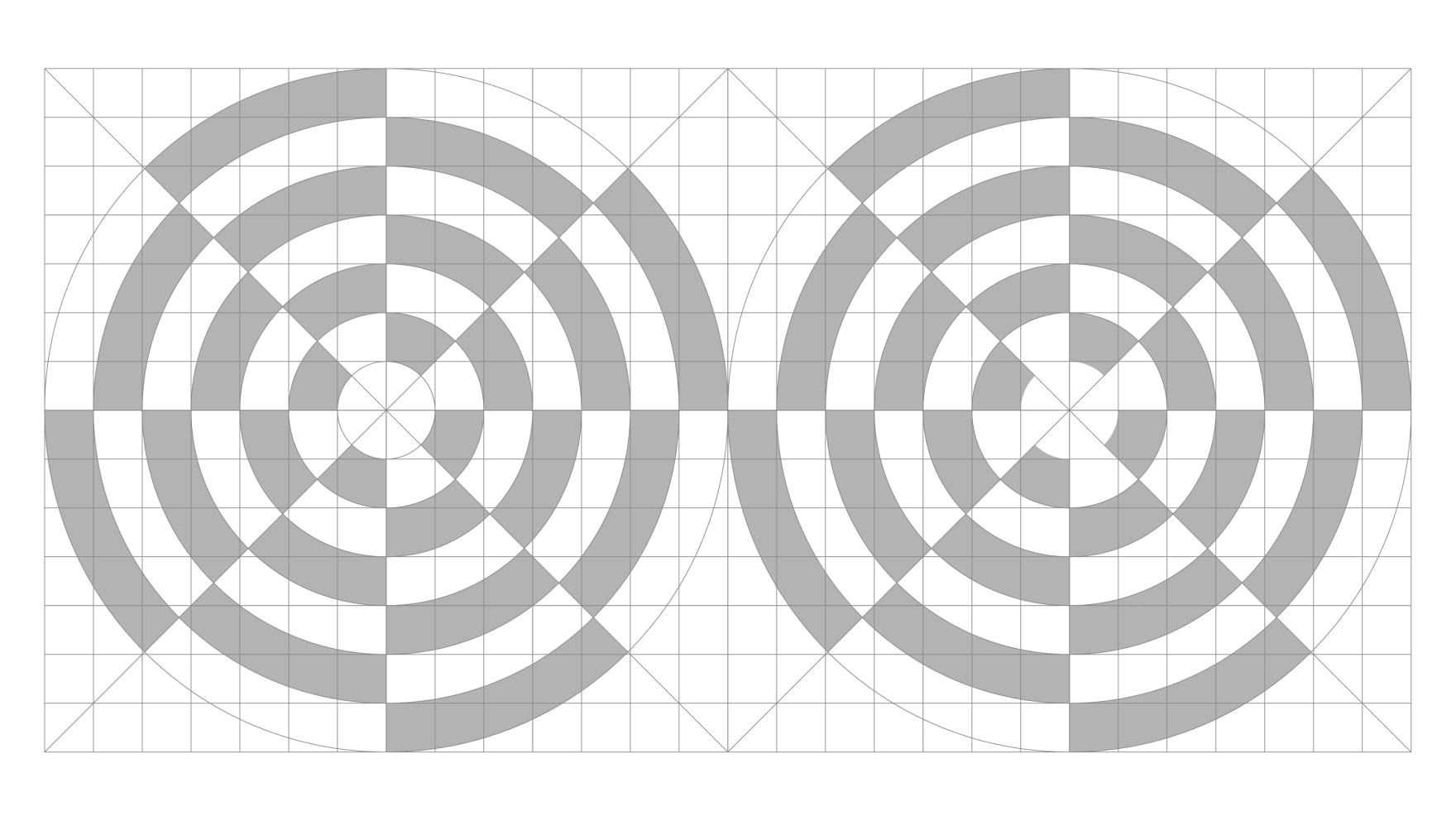
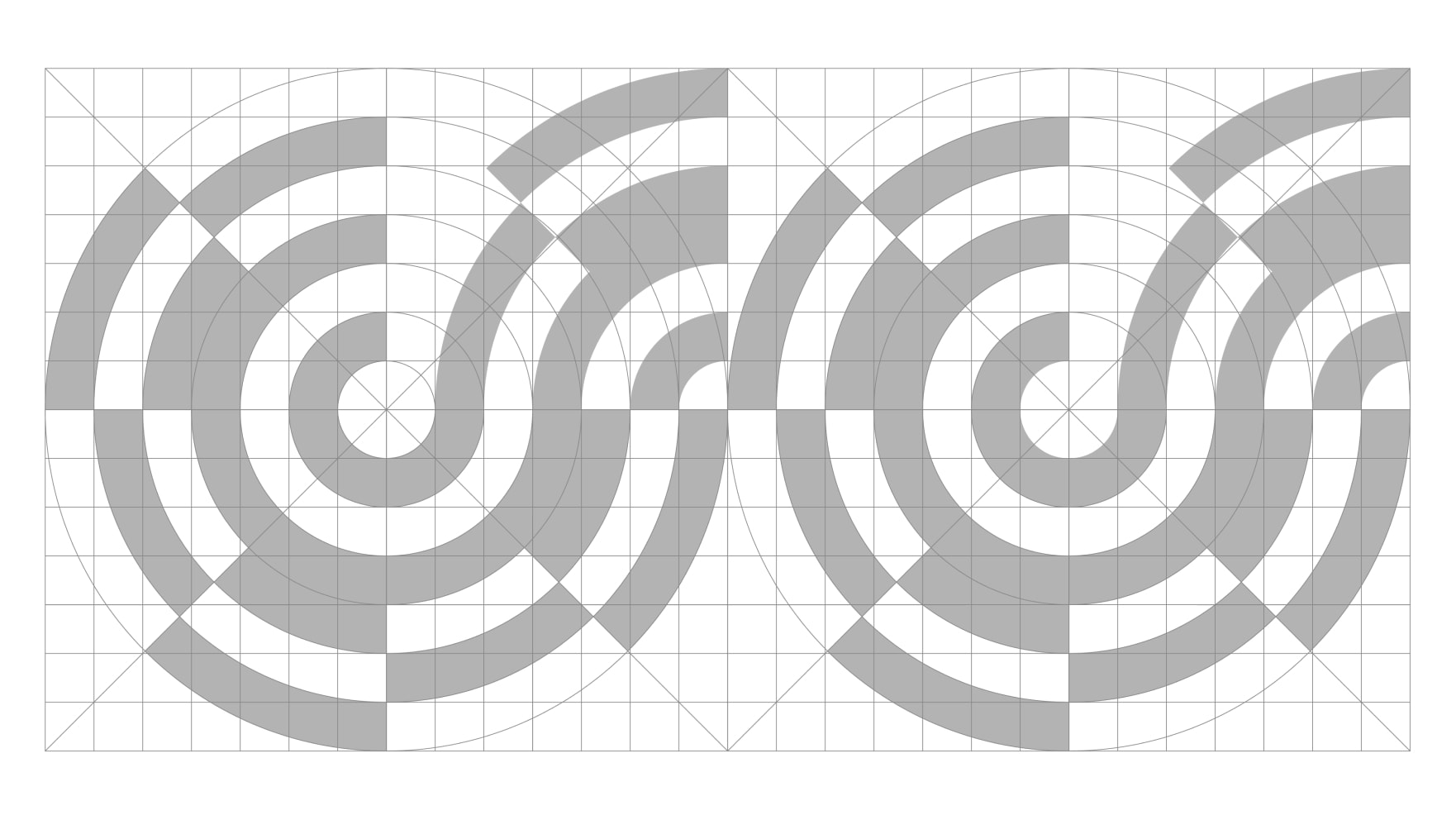
Our pattern grid has been inspired by our symbol. It is based on the elegant forms within the mark. When creating new patterns we must use this grid to make sure all our visual language is consistent and impactful.
Creating our patterns
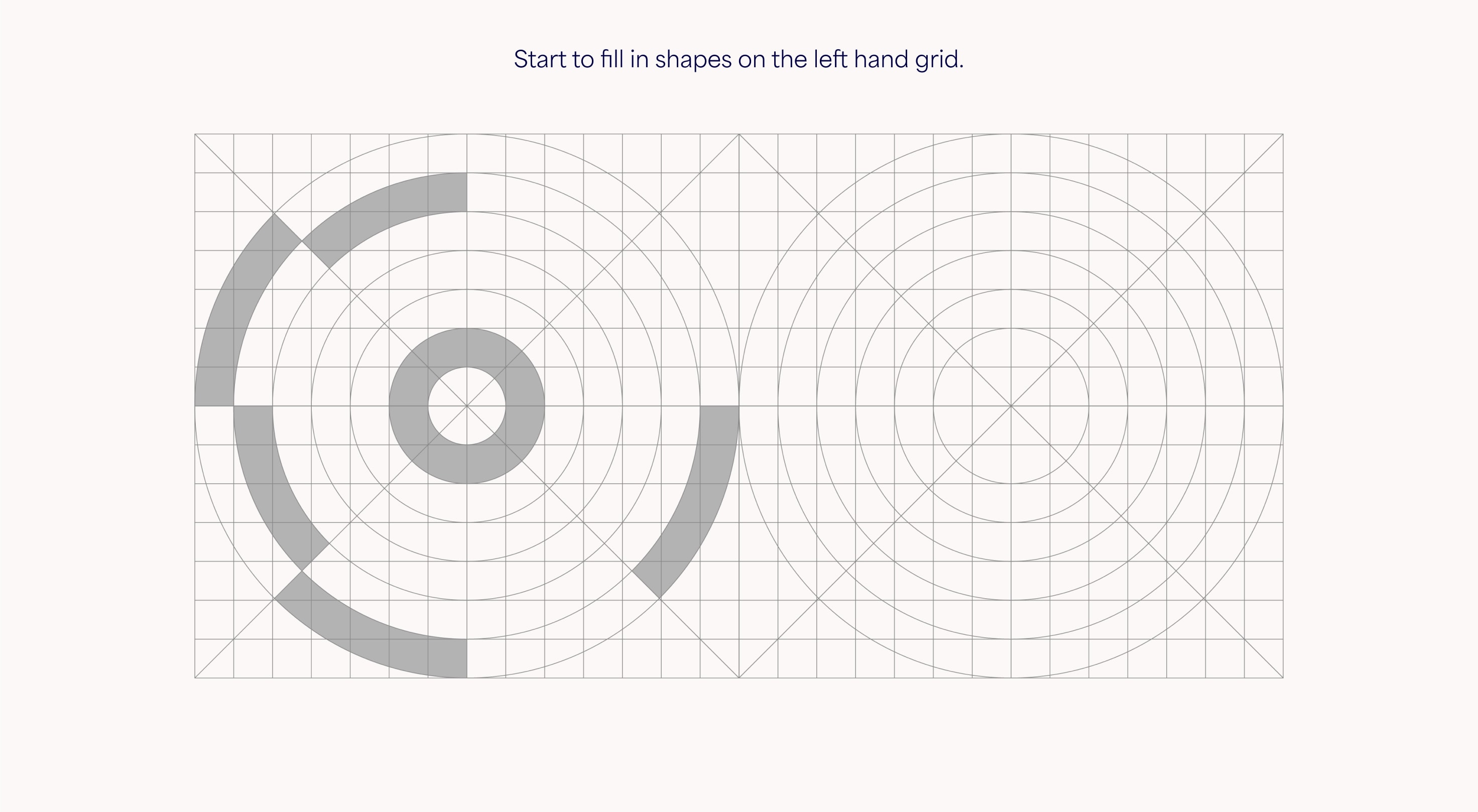
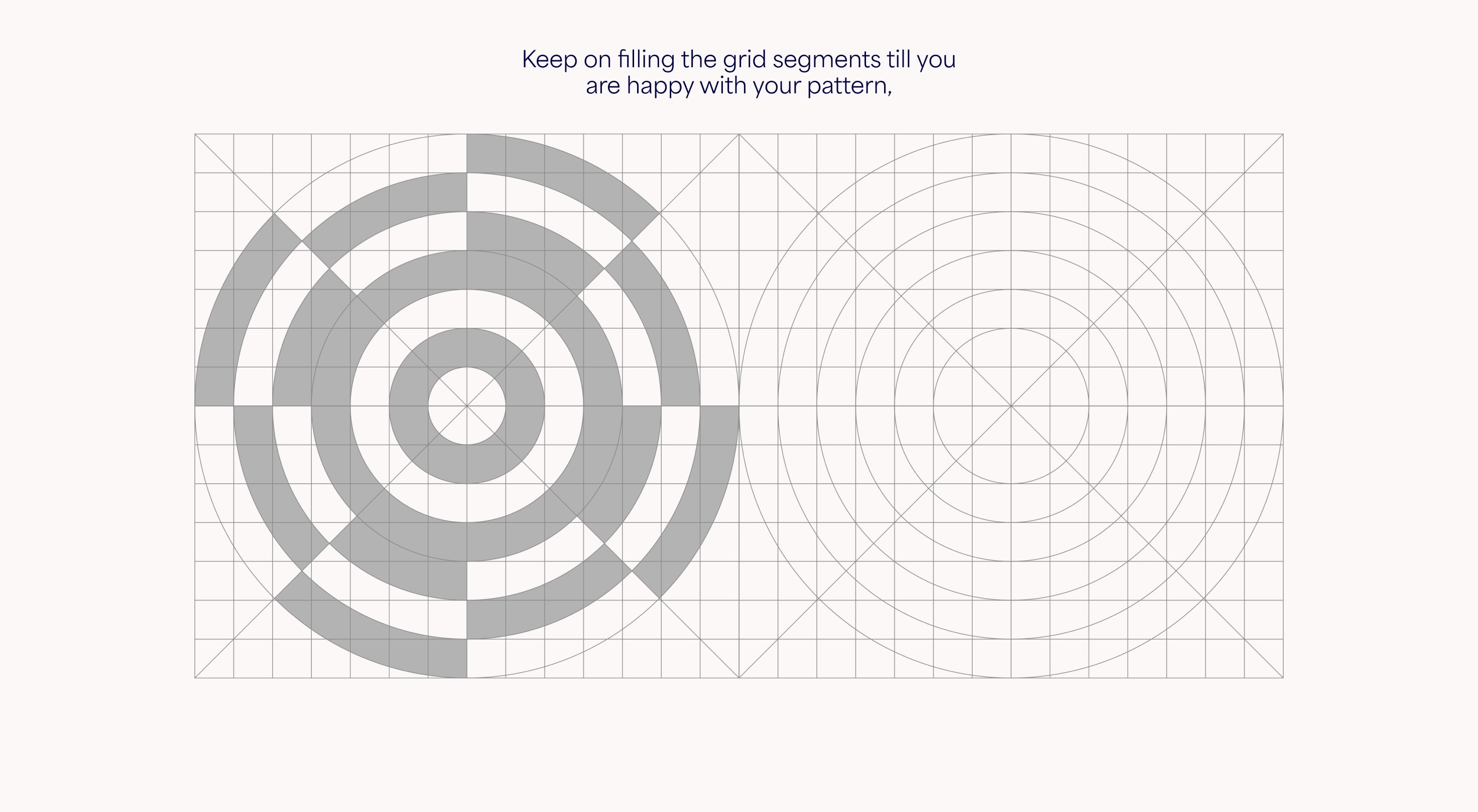
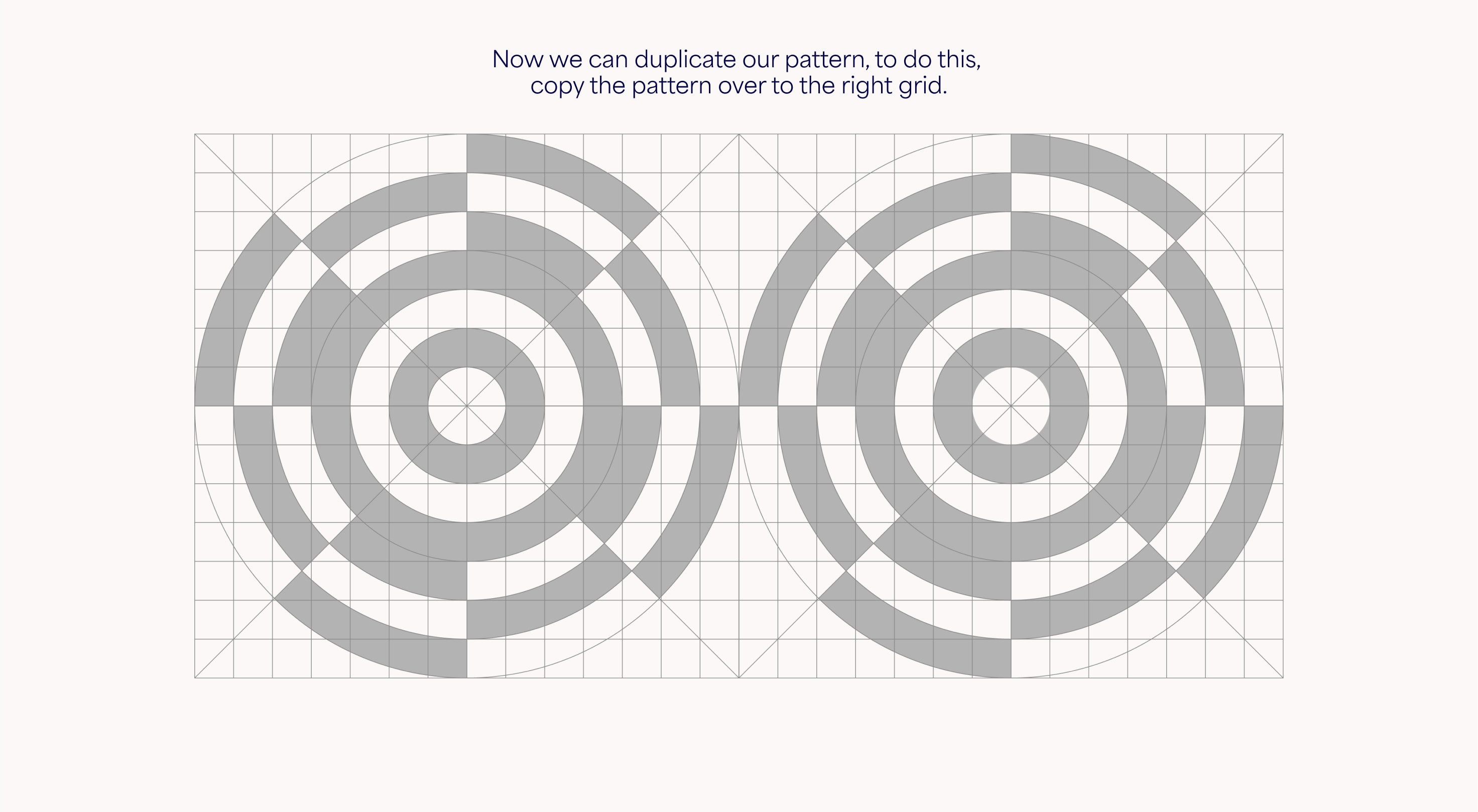
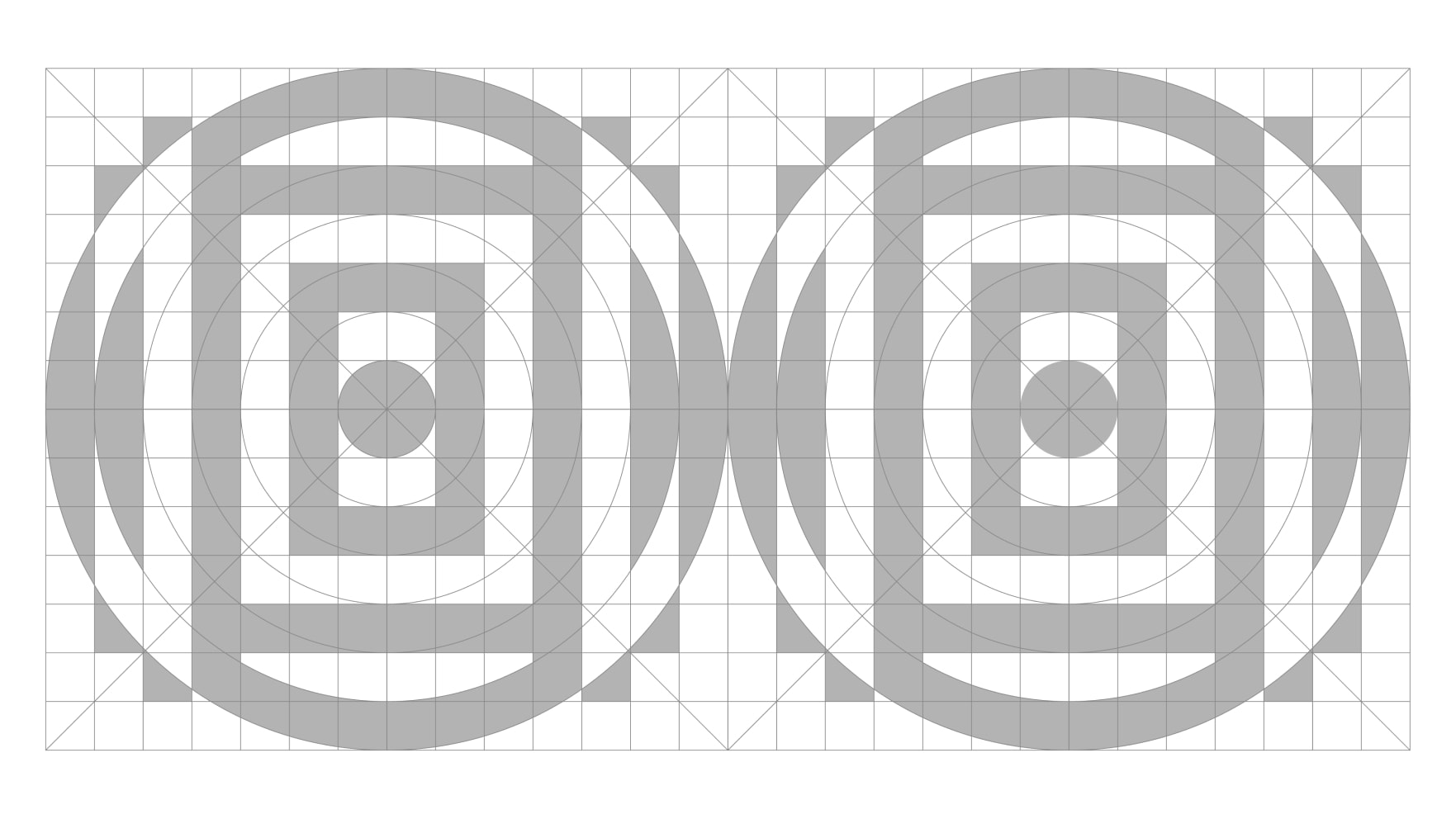
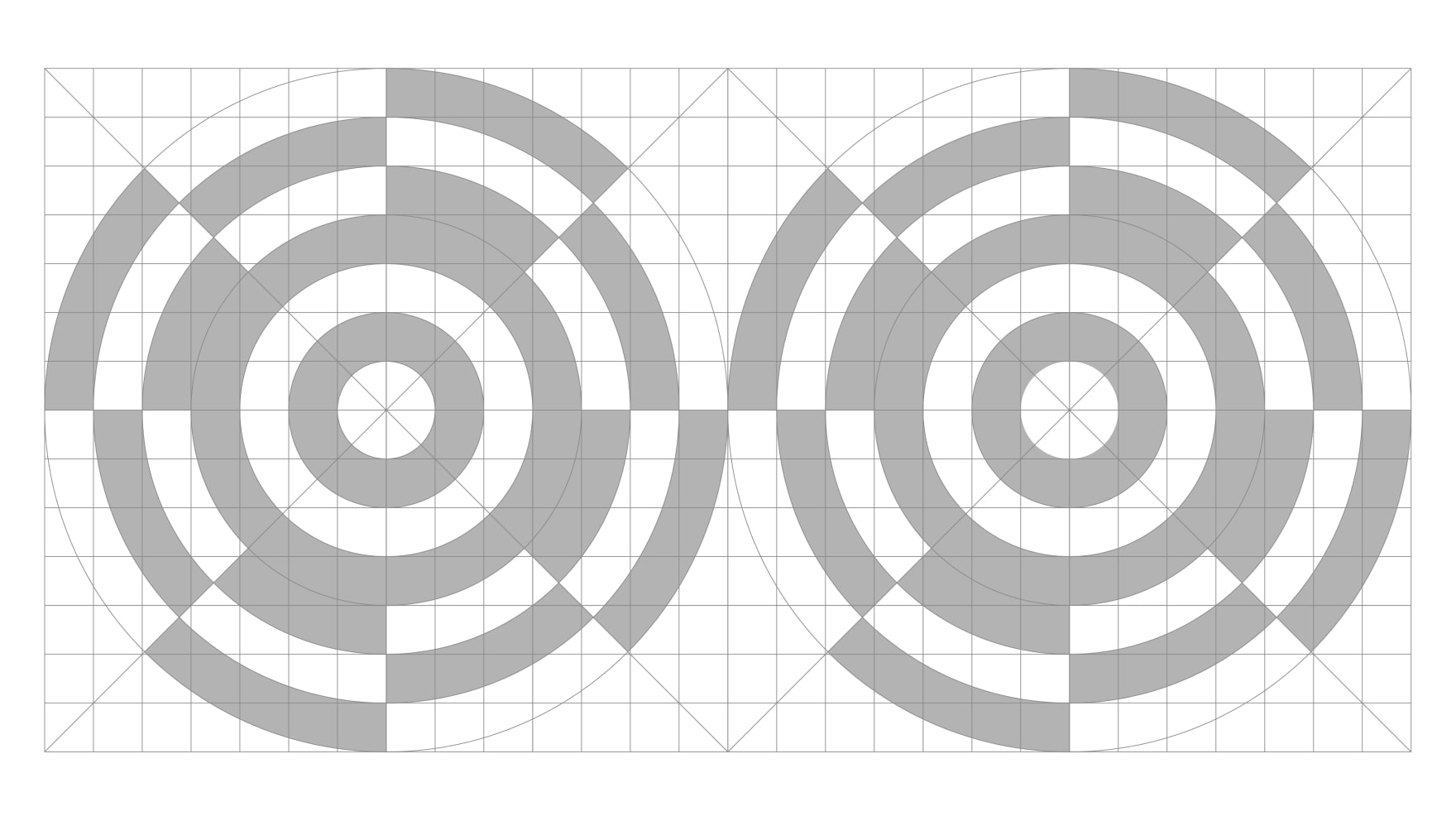
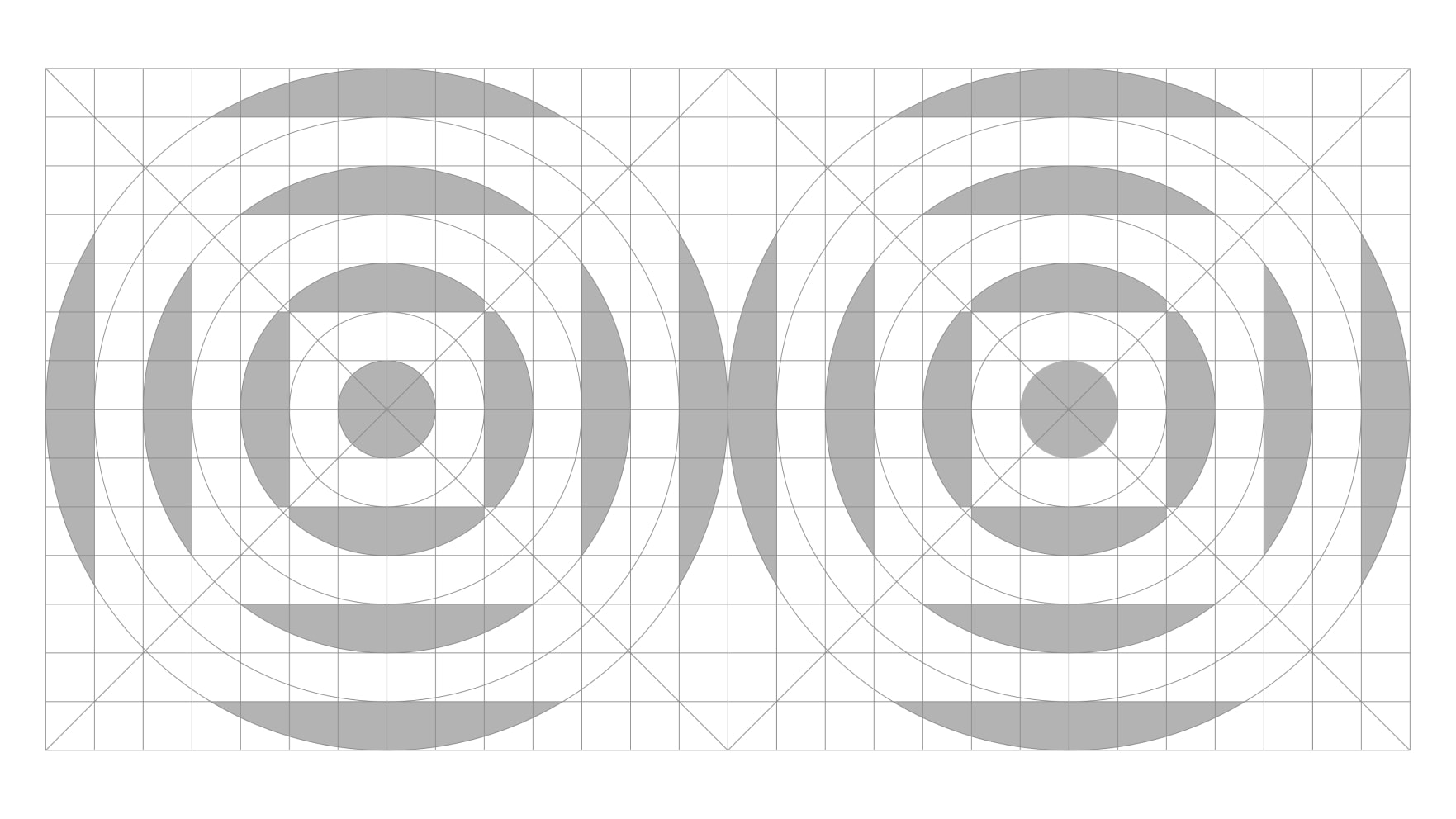
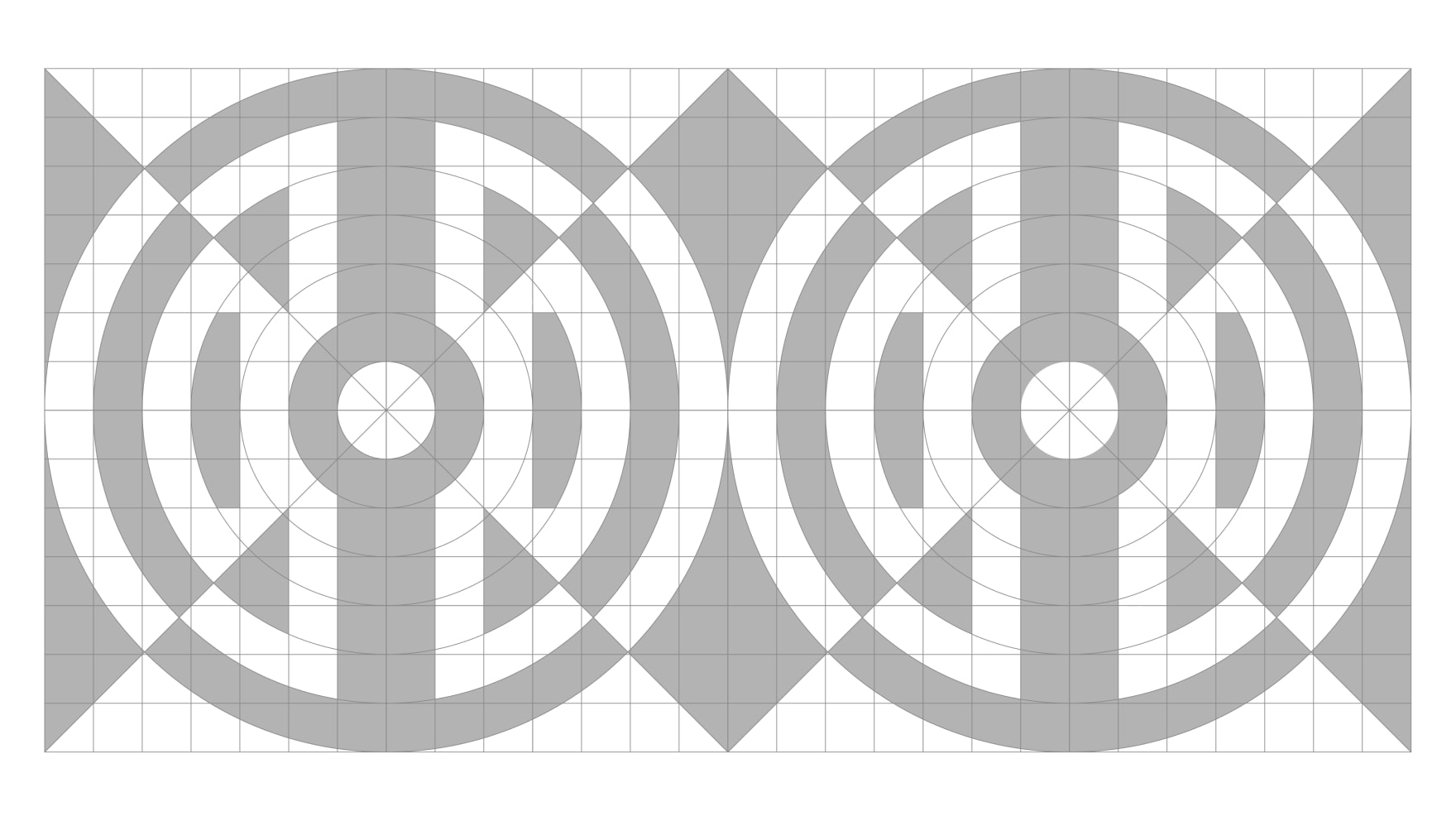
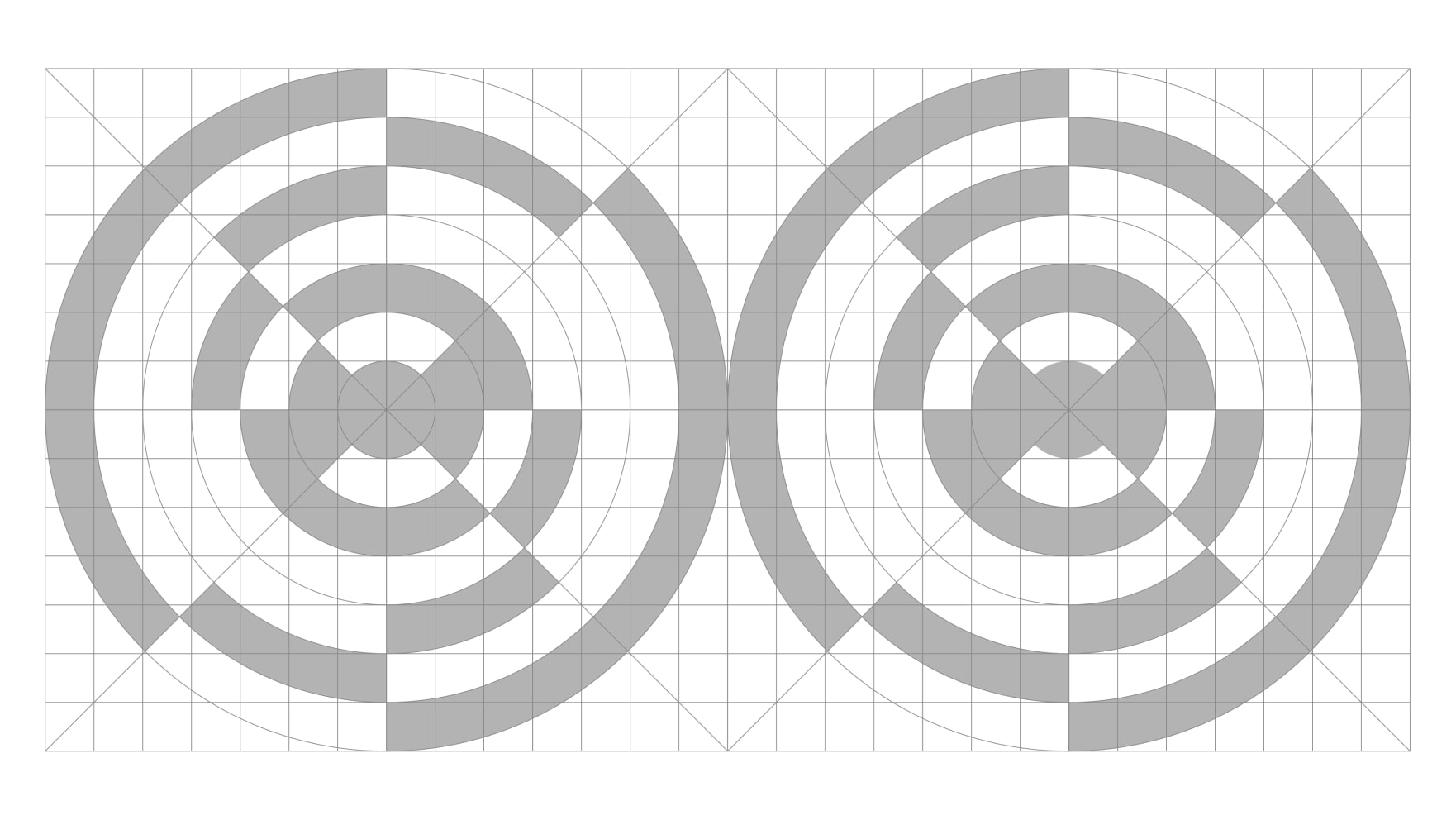
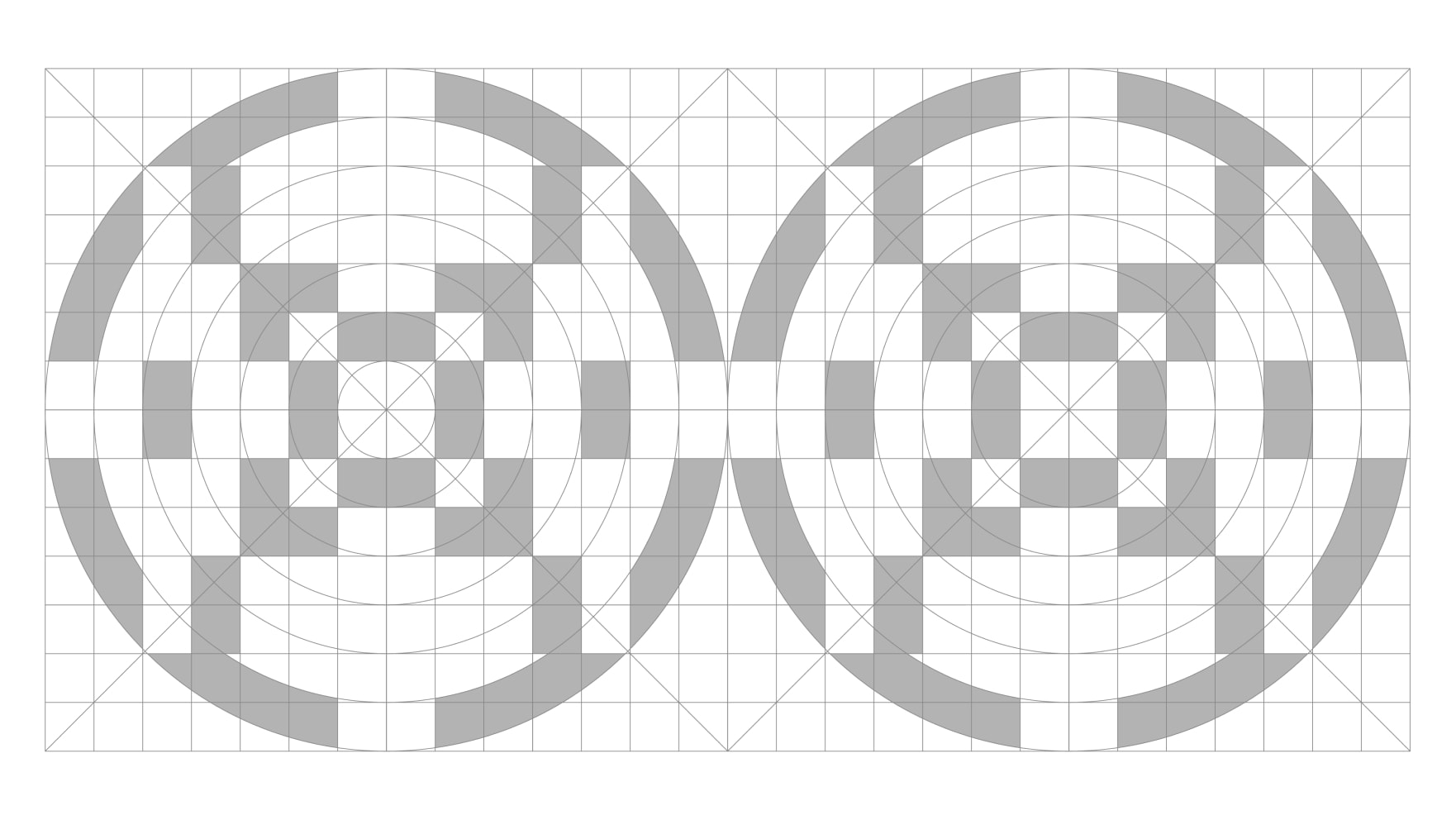
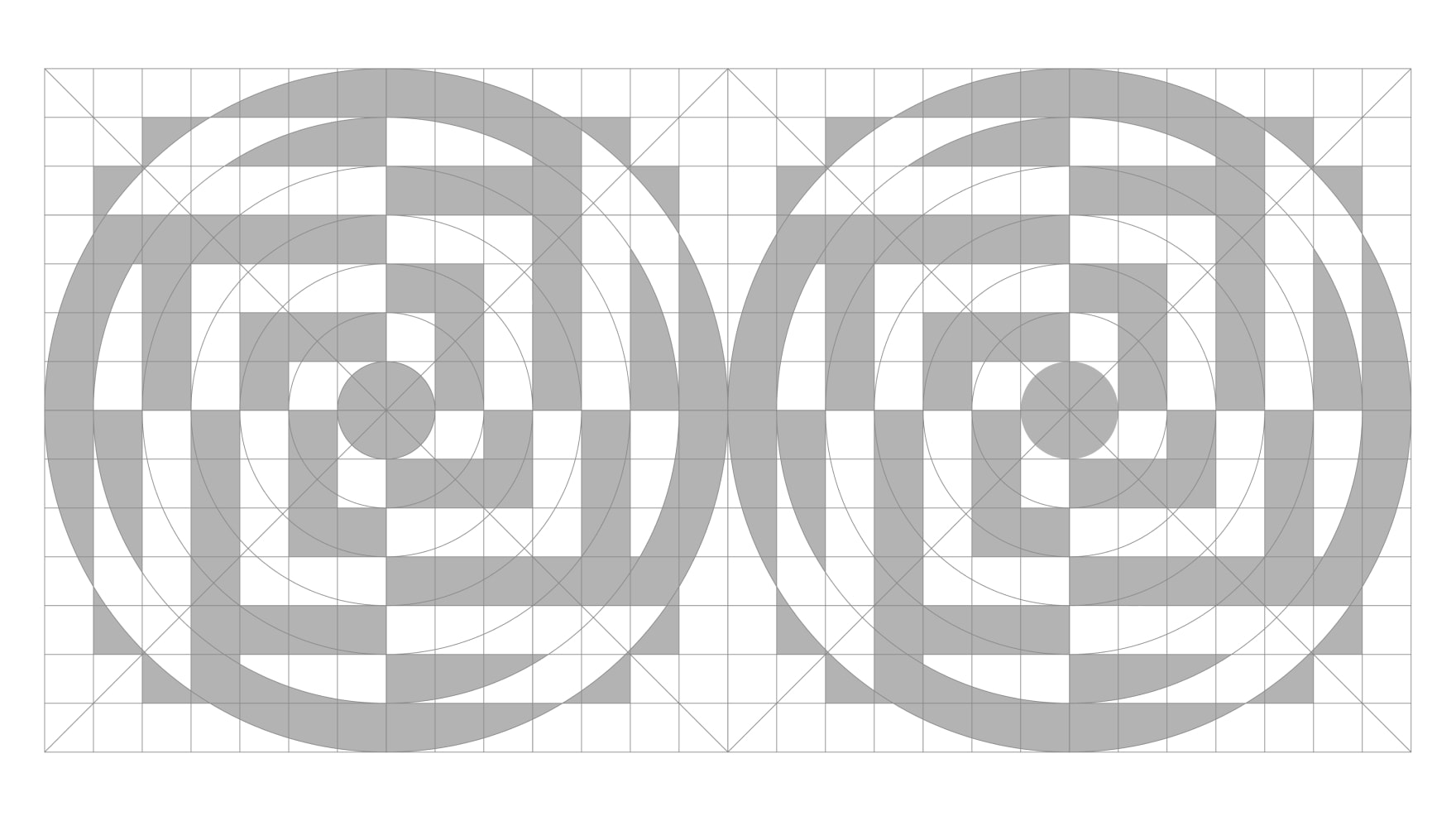
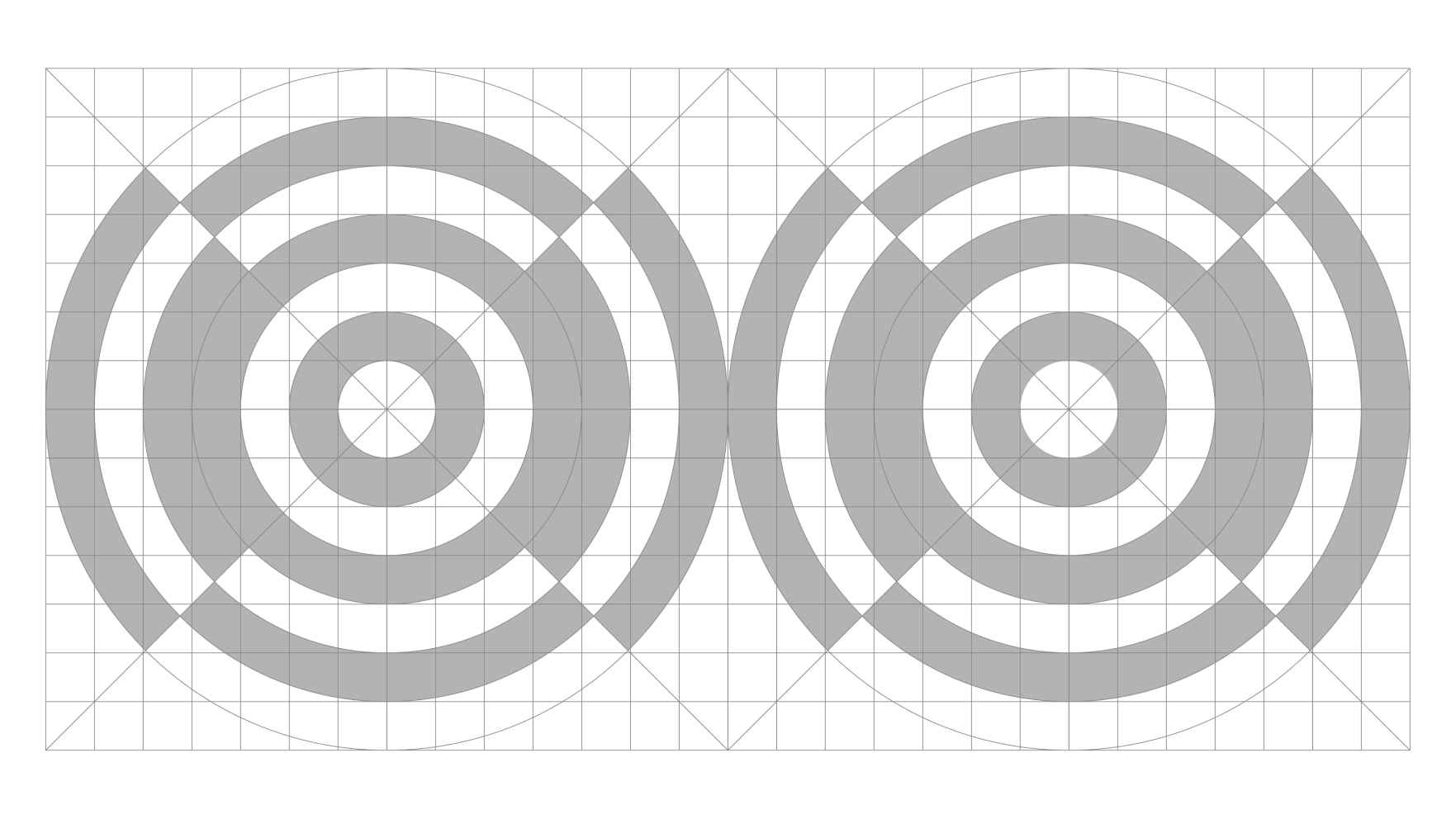
Our grid system allows for countless bespoke pattern variations. Below are steps to create your own set. It’s important not to exceed filling in 50 segments, otherwise the patterns become too intricate.


Gallery of patterns
Here are some examples of patterns. As you can see below, they can vary in complexity and shape. These pre-existing patterns can be used in applications but should also be used as a reference for when creating new patterns.
Creating crops
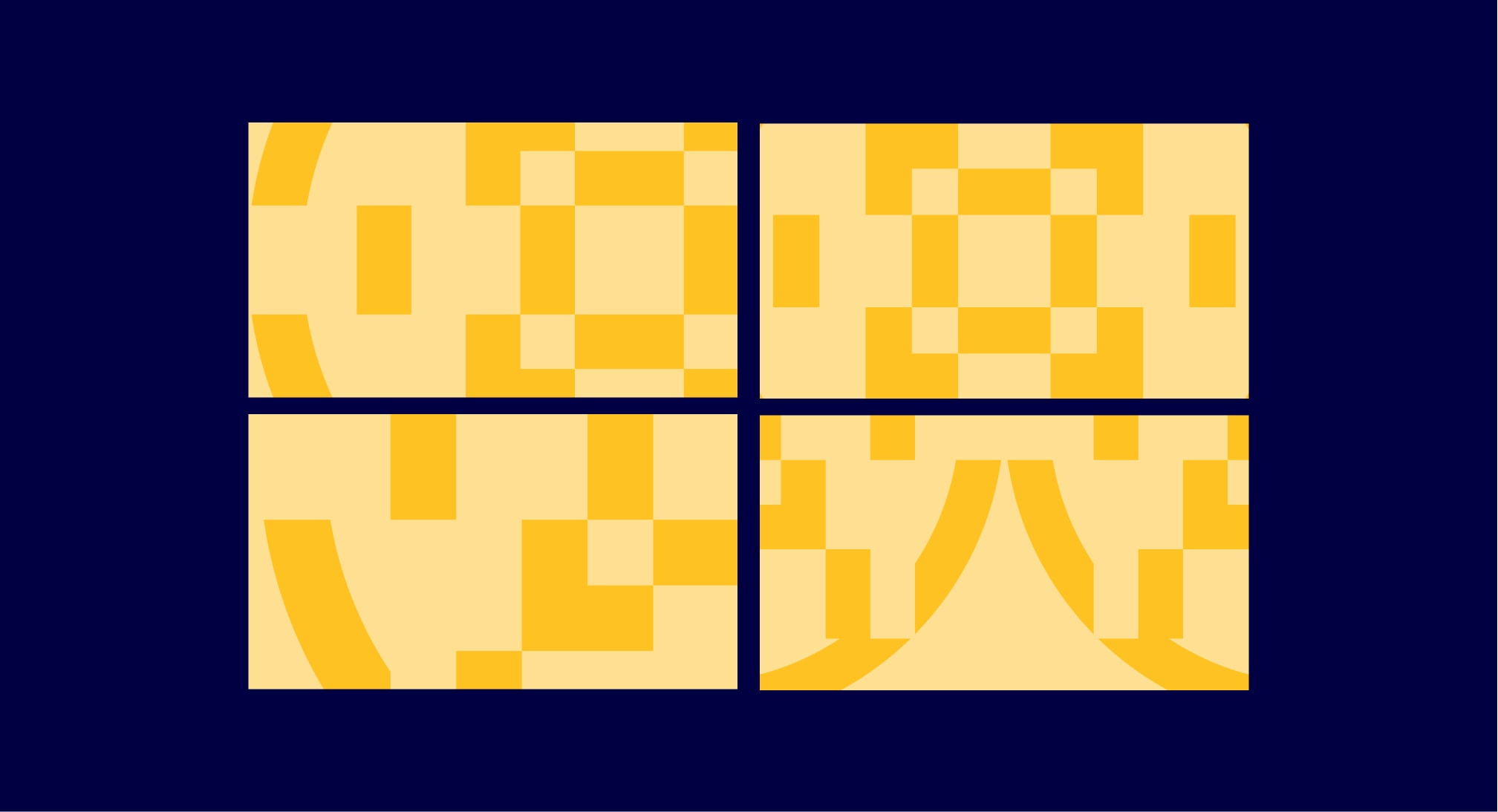
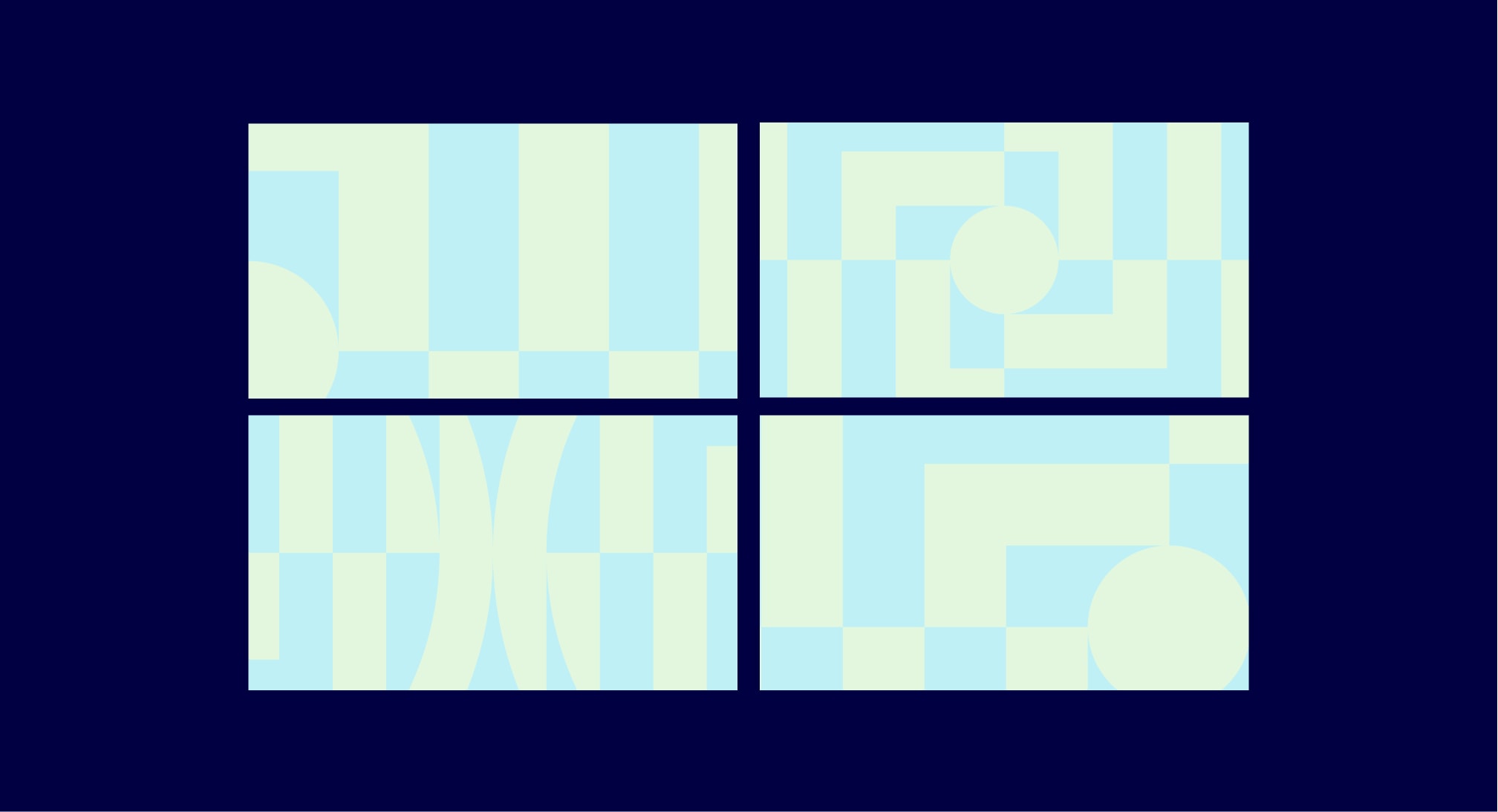
Because of the intricate nature of our patterns, when used in applications they can become visually busy. To avoid this we can crop into our patterns. To do this we take a segment of the pattern and creating a clipping mask. To make all our crops consistent there needs to be a minimum of 6 shapes within it.



Gallery of crops
Below are several examples of different crops that we have created from our patterns. These pre-existing crops can be used in applications but should also be used as a reference for when creating new ones.







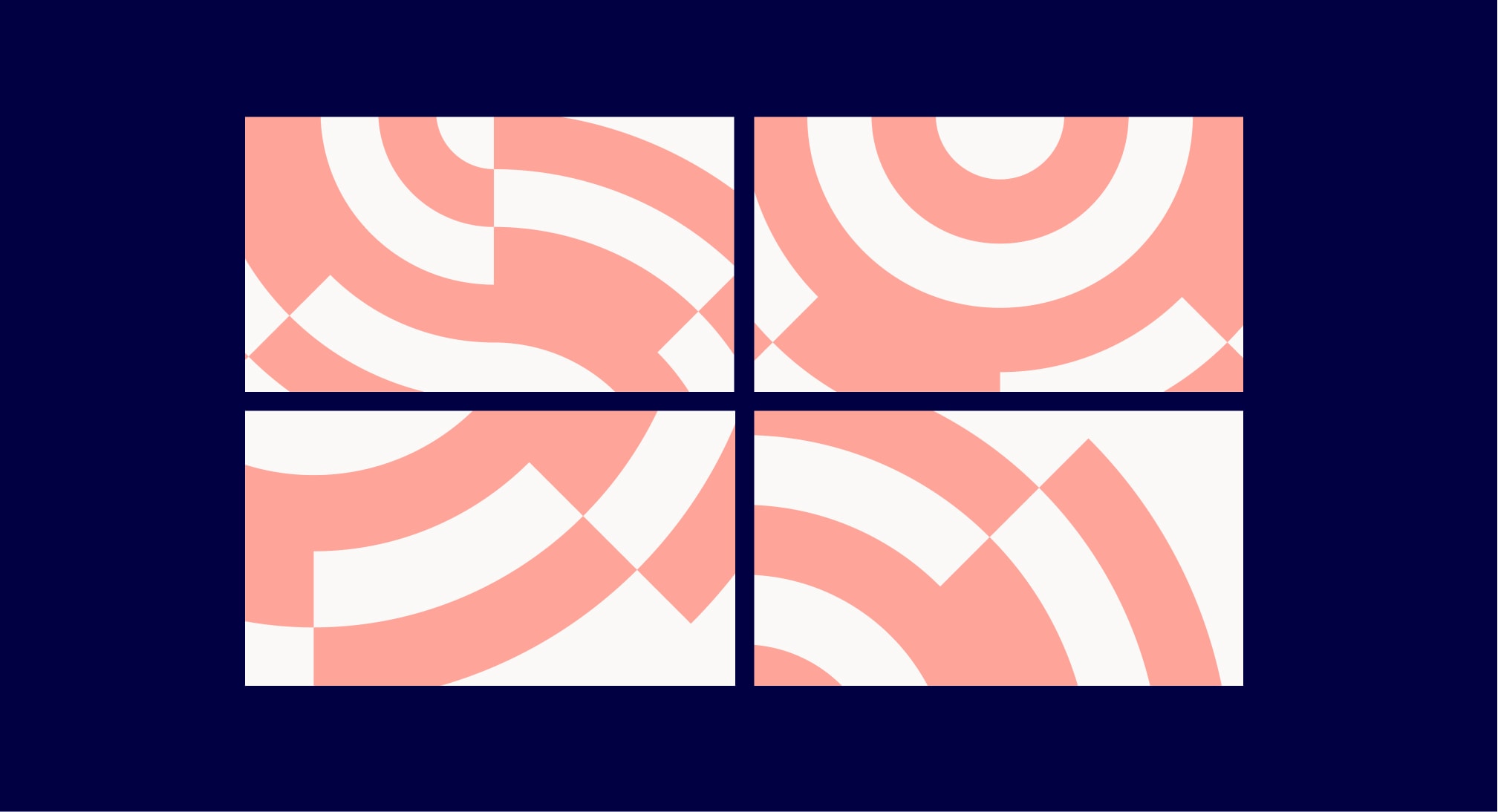
Dynamic patterns
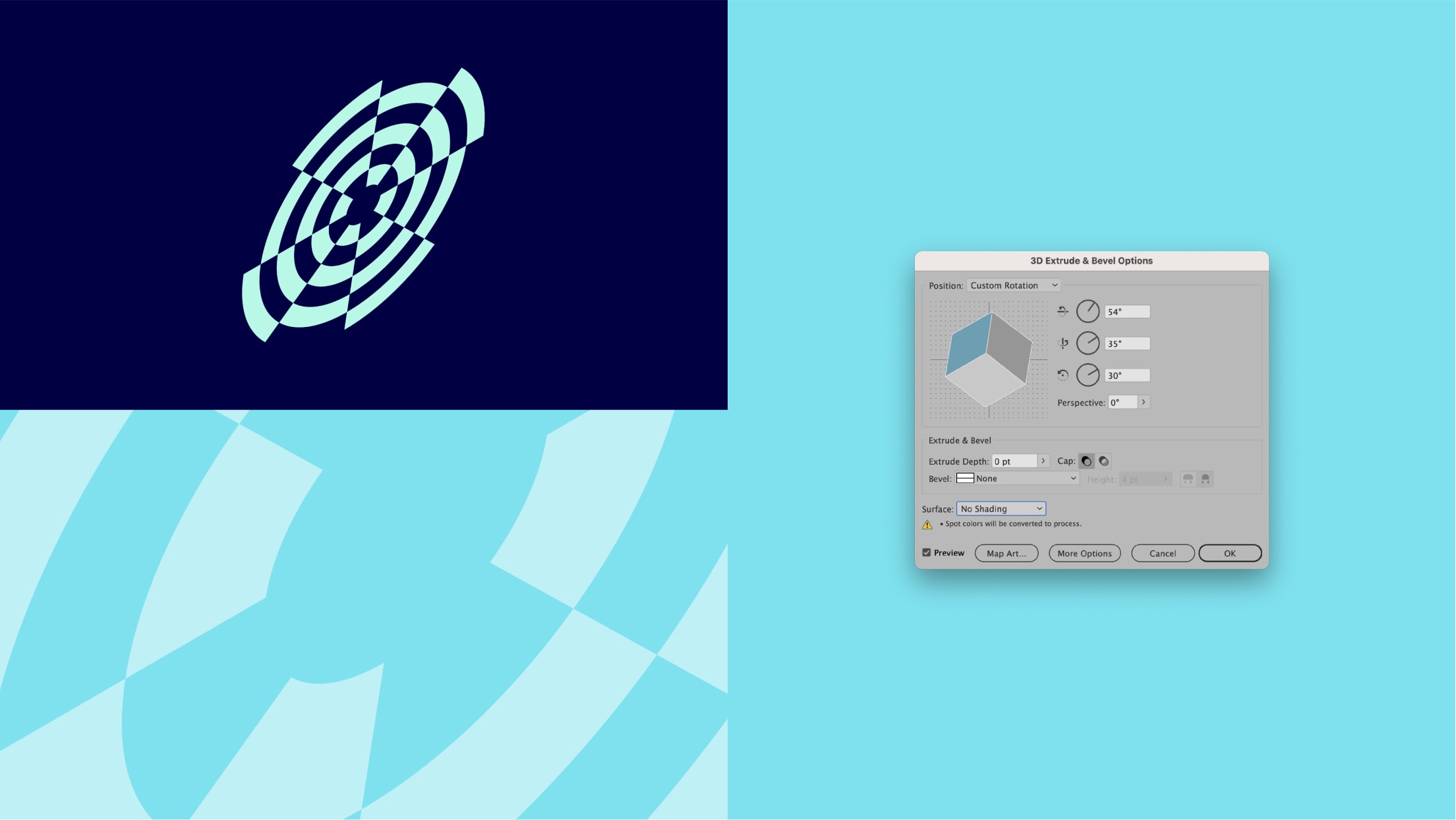
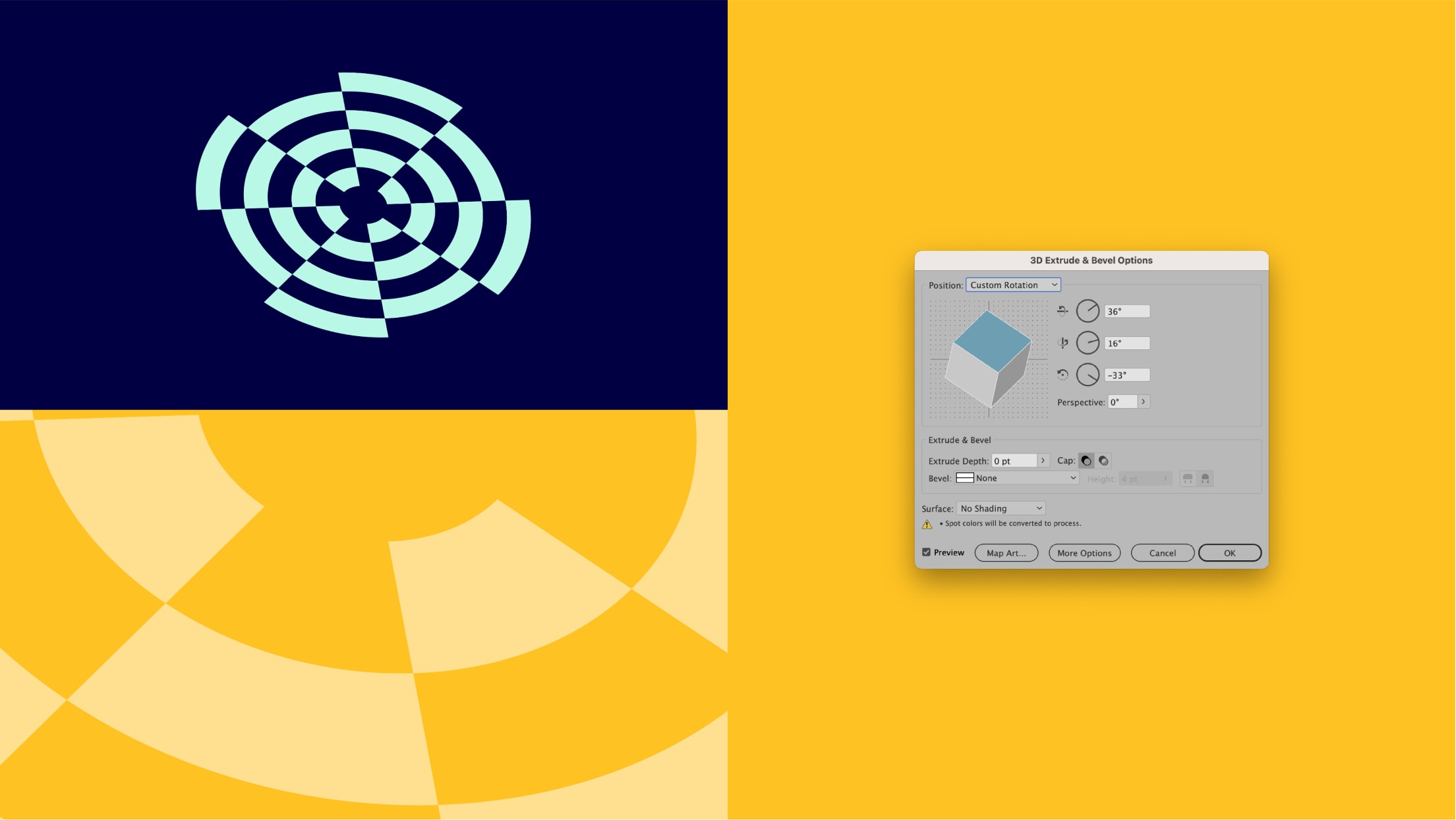
We can also create dynamic patterns by shifting perspective. To create these, use the 3D Extrude & Bevel tool in Adobe Illustrator. Below are two examples of this shift in perspective. It’s important that we do not go above 70º in any of the three axis.

Patterns in use
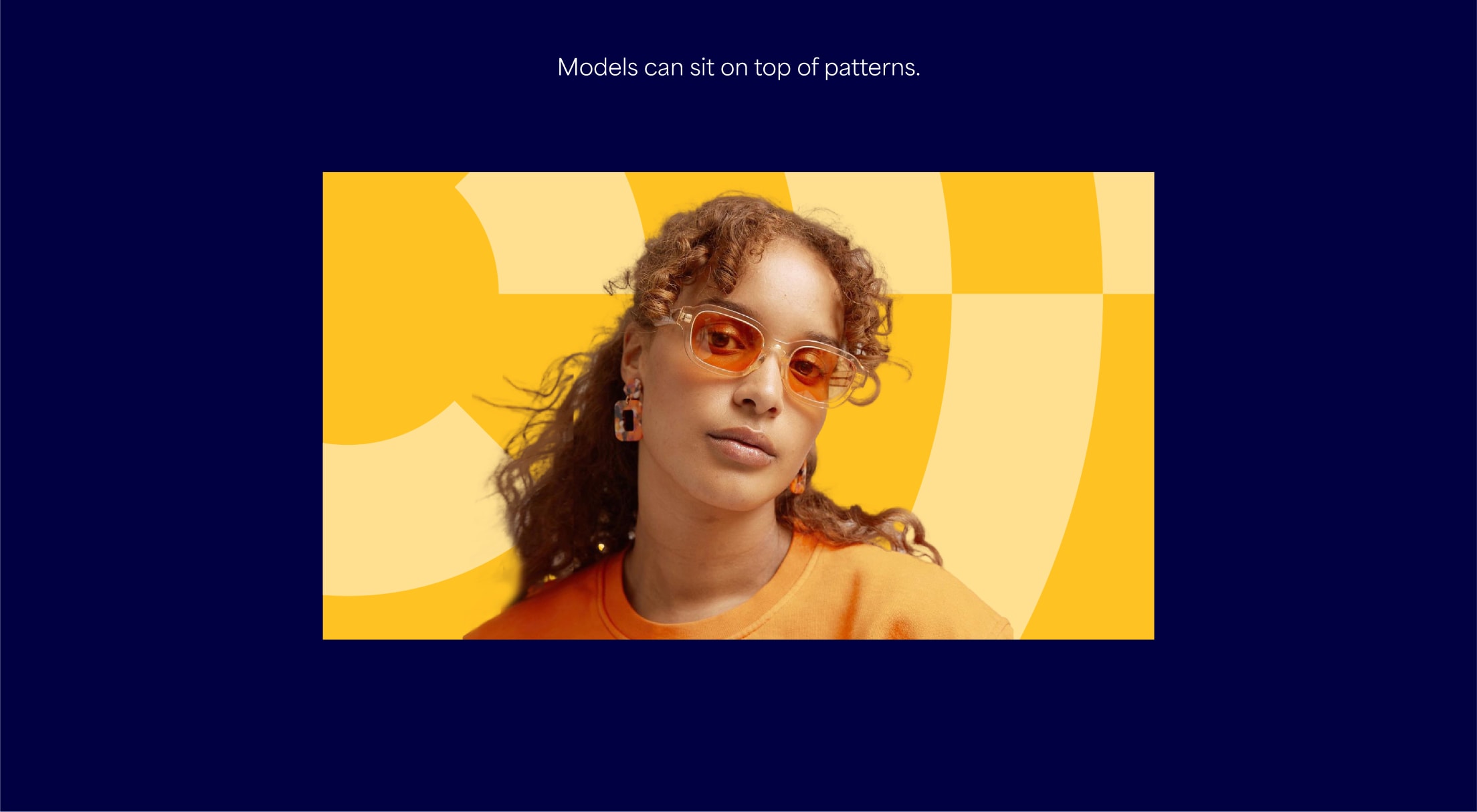
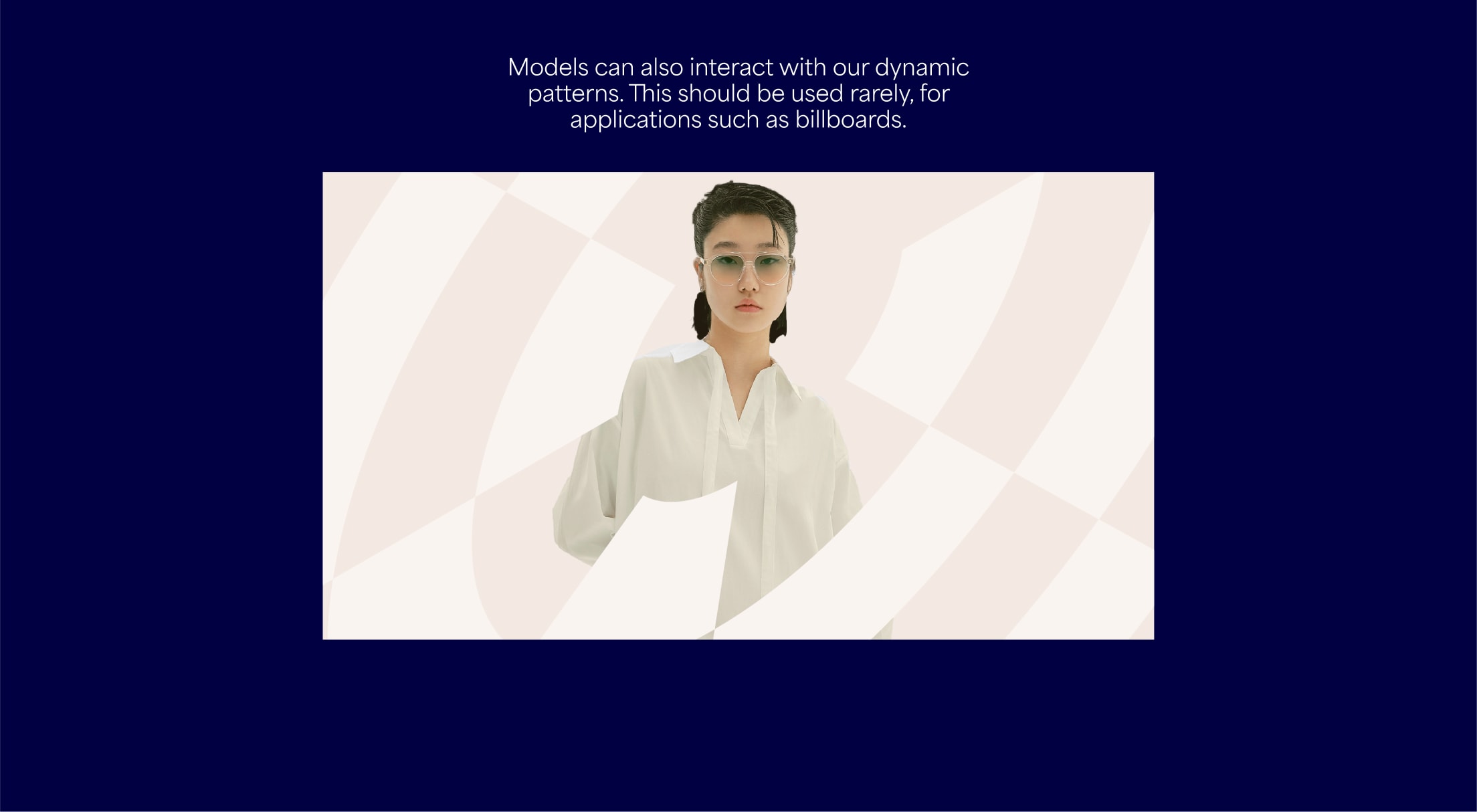
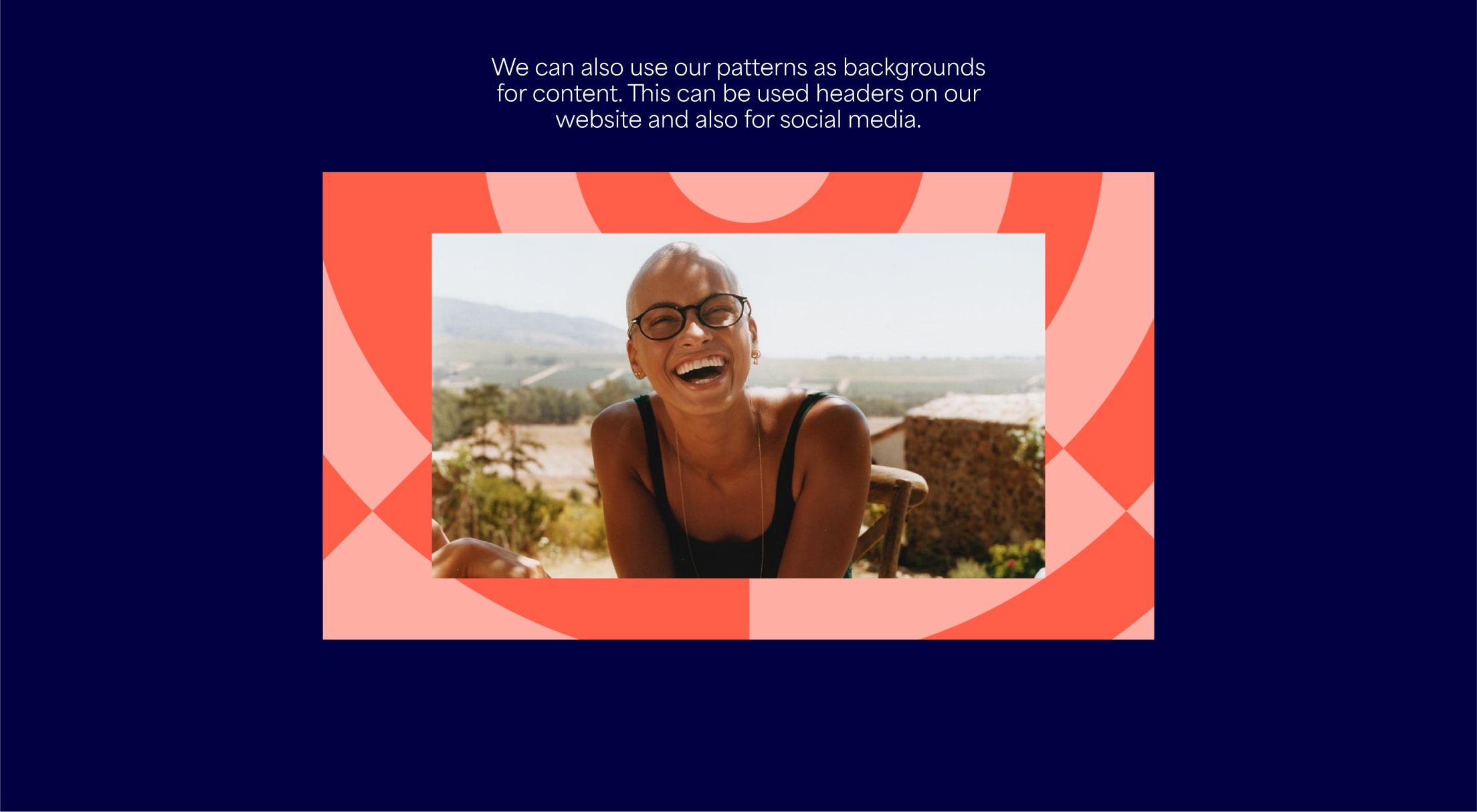
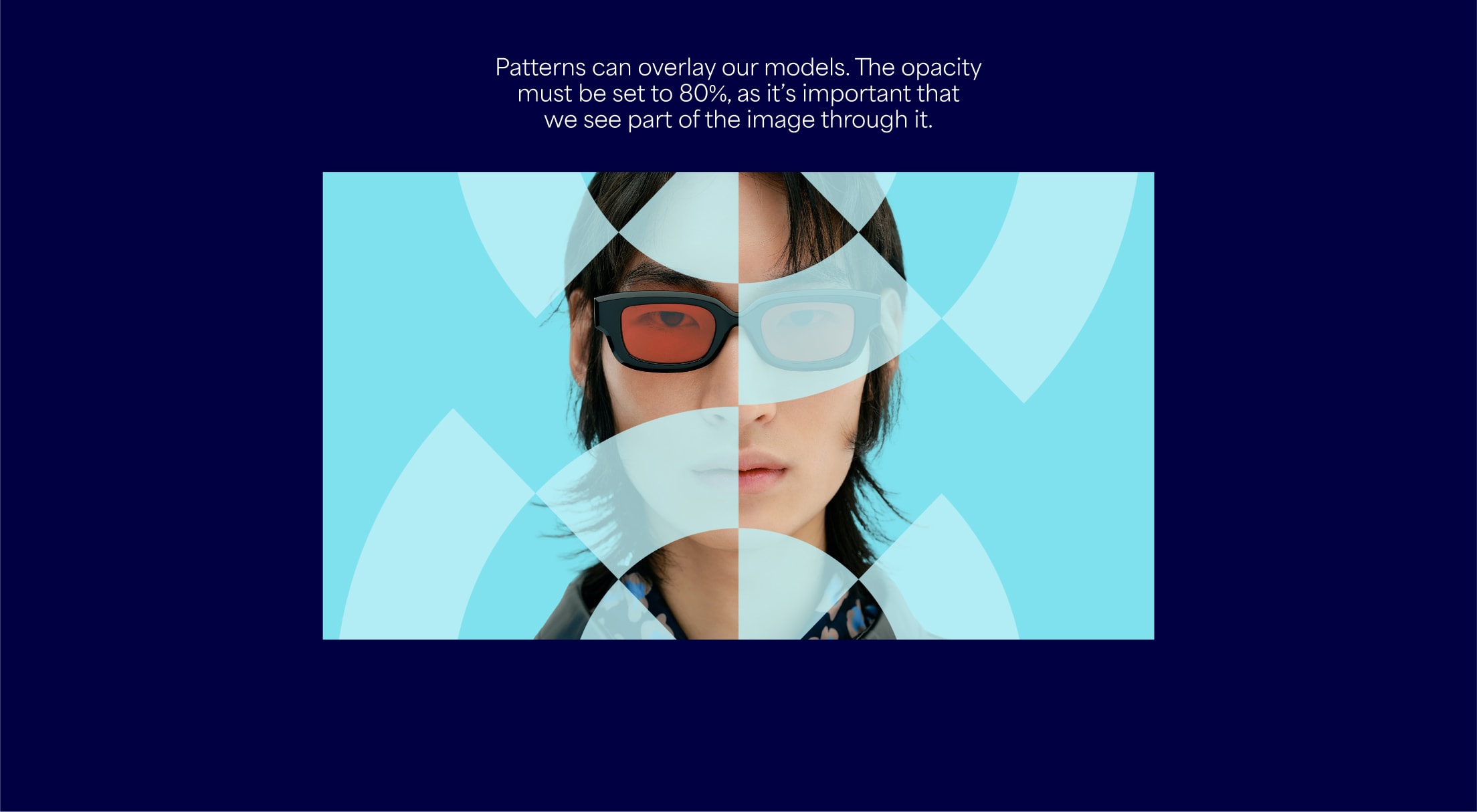
Here are several examples of how we use our patterns within our visual language. It is important to use the guidance below to make sure all our patterns are impactful and consistent.
Things to avoid
Follow these rules to make sure our patterns are used correctly and consistently.
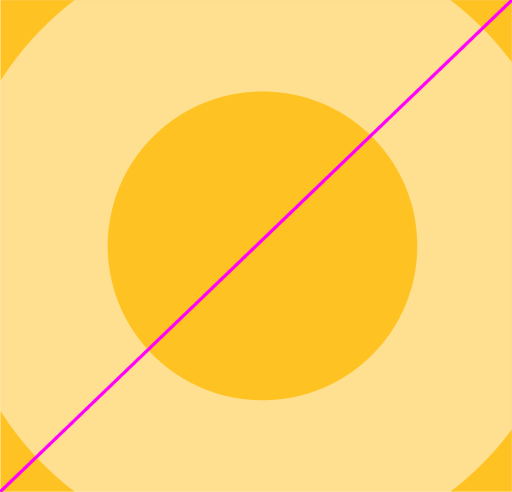
Do not crop with fewer than 6 blocks

Do not use incorrect colour pairings
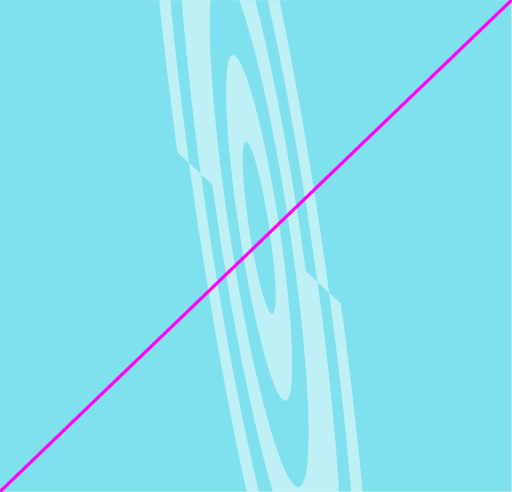
Only use specified guidance on perspective

Do not overlap models without opacity

Do not use patterns smaller than specified

Do not combine products and patterns

Do not use type on top of patterns